Jekyll Doesn’t Run After High Sierra Update
I proceeded with the High Sierra update with mixed feelings of anticipation and worry.
After completing the restart, when I tried to manage my blog and typed jekyll serve --watch, I encountered the following error message.
-bash: /usr/local/bin/jekyll: /System/Library/Frameworks/Ruby.framework/Versions/2.0/usr/bin/ruby: bad interpreter:No such file or directory
Something seems to have changed from the previous version. After searching and finding various things, it was because Ruby 2.0 is no longer supported. Therefore, some updates are needed in MAC OS High Sierra.
Execute the Following Process
Step 1. Install Homebrew (Skip if already installed)
/usr/bin/ruby -e "$(curl -fsSL https://raw.githubusercontent.com/Homebrew/install/master/install)"
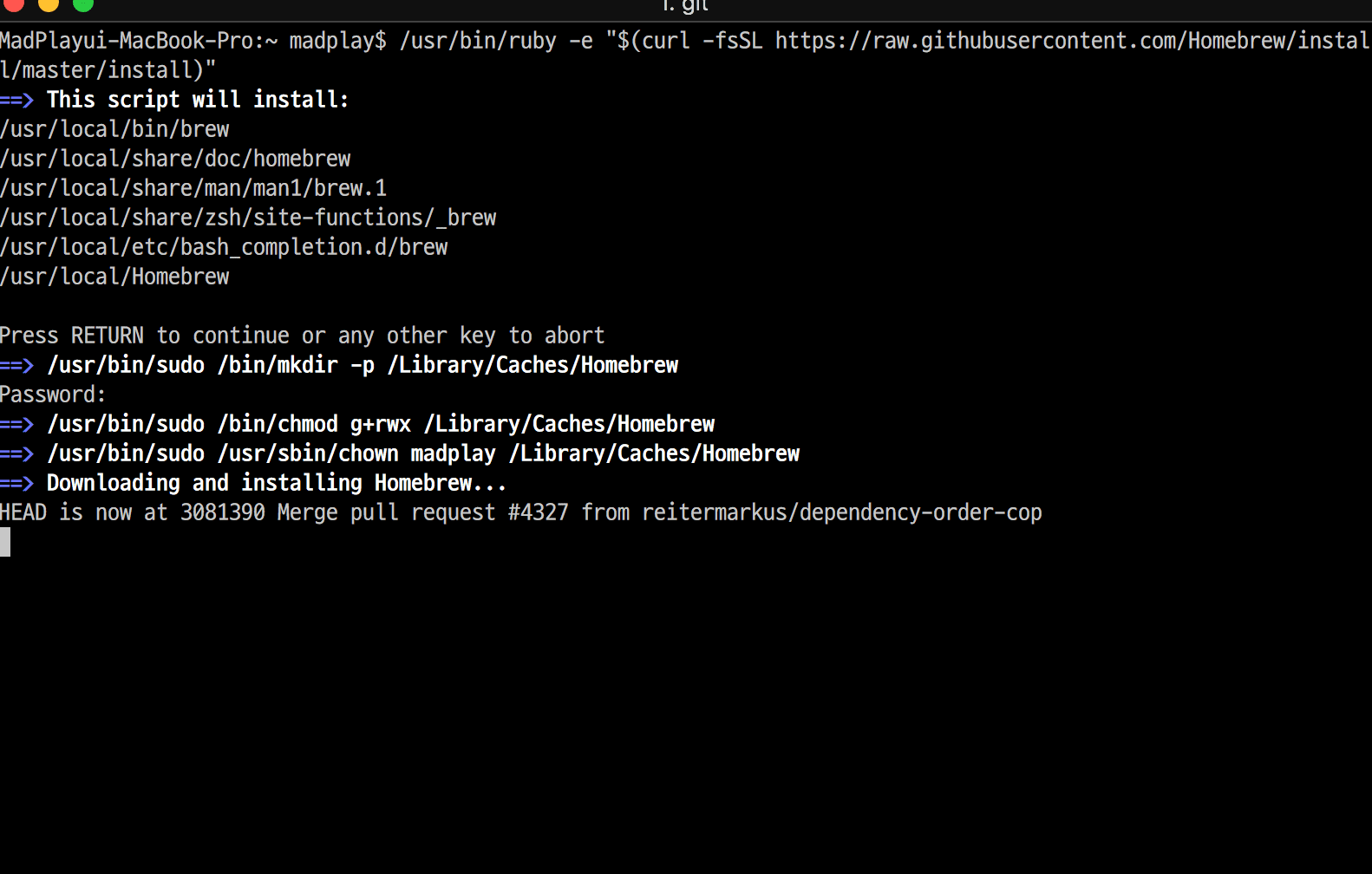
Step 2. Proceed with ruby-related installation.
curl https://gist.githubusercontent.com/DirtyF/5d2bde5c682101b7b5d90708ad333bf3/raw/bbac59647ac66016cf443caf7d48c6ae173ae57f/setup-rbenv.sh | bash
If not already installed, you can see the installation process as follows.
brew update
Updated Homebrew from 67c4402634 to b4d43e950f.
...
brew install rbenv ruby-build
installing… rbenv 1.1.1
installing… ruby-build 20171215
rbenv install 2.4.3
ruby-build: use openssl from homebrew
Downloading ruby-2.4.3.tar.bz2...
-> https://cache.ruby-lang.org/pub/ruby/2.4/ruby-2.4.3.tar.bz2
... omitted
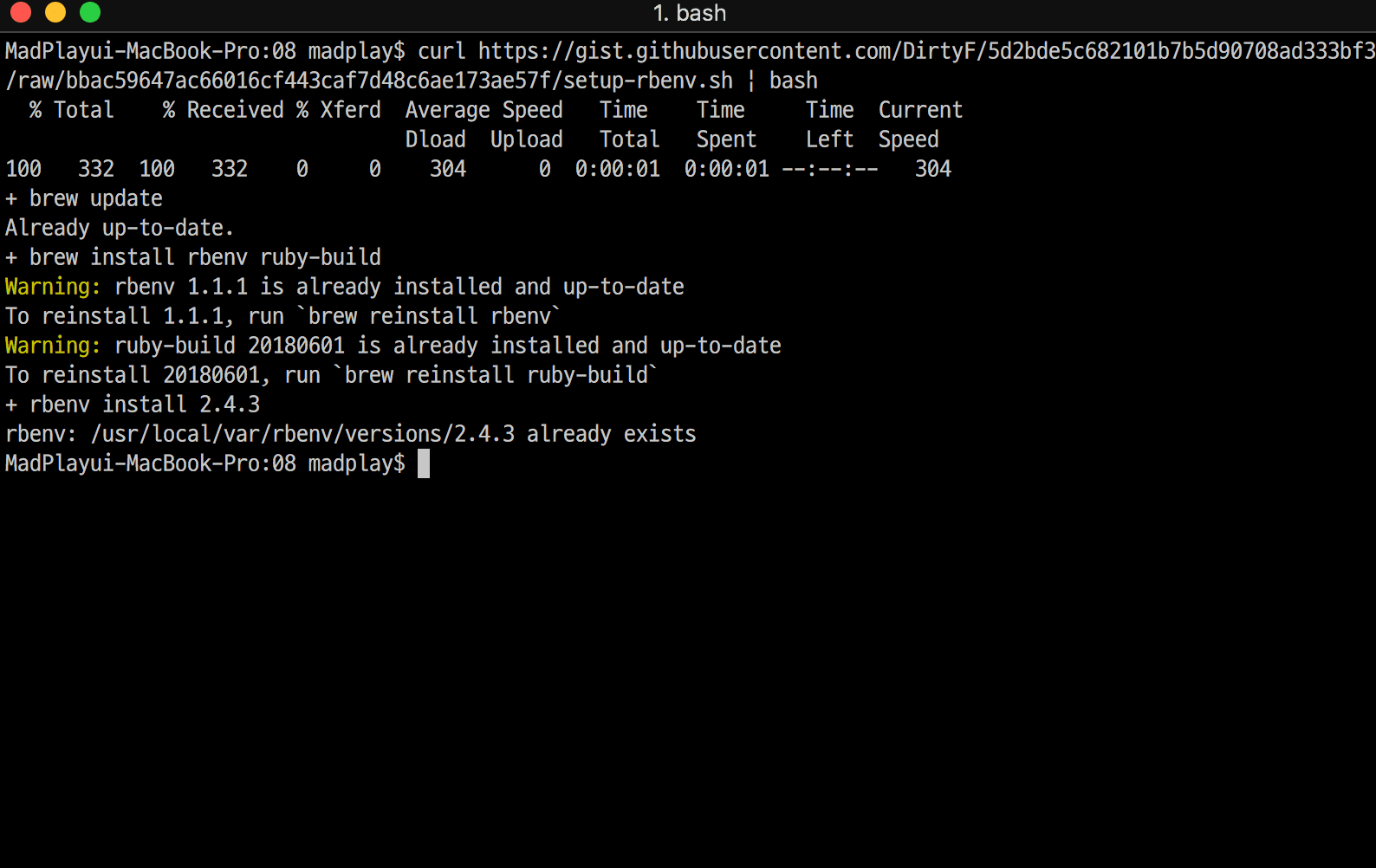
Step 3. Check if ruby is properly installed.
MadPlayui-MacBook-Pro:~ madplay$ ruby -v
ruby 2.4.3p205 (2017-12-14 revision 61247) [x86_64-darwin17]
Step 4. Install jekyll and bundler using RubyGems
gem install jekyll bundler
Fetching: jekyll-3.6.2.gem (100%)
Successfully installed jekyll-3.6.2
Fetching: bundler-1.16.0.gem (100%)
Successfully installed bundler-1.16.0
And check the version with jekyll -v command to confirm it’s properly reflected!
Step 5. Update RubyGems
gem update --system
Updating rubygems-update
Fetching: rubygems-update-2.7.3.gem (100%)
....omitted

Optionally,
gem update jekyll
After completing the above process, I tried to run the jekyll serve --watch command again
to run the blog in local environment, but! I encountered another error.
... "cannot load such file -- jekyll-paginate"
While trying to fix the initial error, I proceeded with various Gem updates, and it felt like dependencies got tangled!
I resolved it by executing 2-step commands as follows.
gem uninstall --all and then execute gem install github-pages command!
Now I’ve confirmed that the Jekyll blog works normally after the High Sierra update!