What Is Swing in Java?
Swing is the Java library for building GUIs.
Since JDK 1.2, it supports Java’s “Write Once, Run Everywhere (WORE)” goal.
To render consistently across environments, Swing reduces system dependency and draws components in Java. That uniform rendering also hides the native look of each system.
What Is LookAndFeel?
LookAndFeel addresses the loss of native appearance caused by uniform rendering. LookAndFeel changes the UI appearance of the entire program.
Here is a simple Swing UI with a Button and Label:
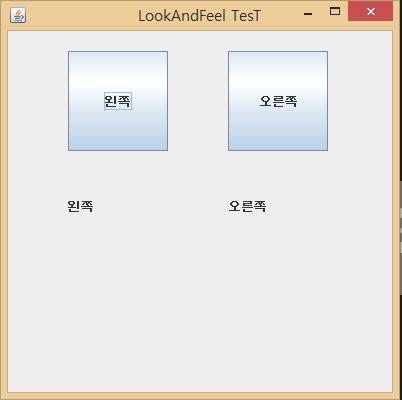
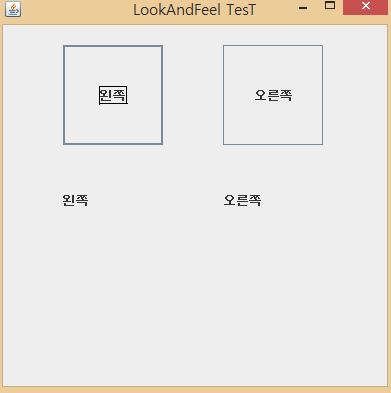
The components are small, so the change is subtle. The next example uses a blog post ranking search program built for a Naver blog.
Here is the default Swing style. When functionality is the priority, Swing is still usable.
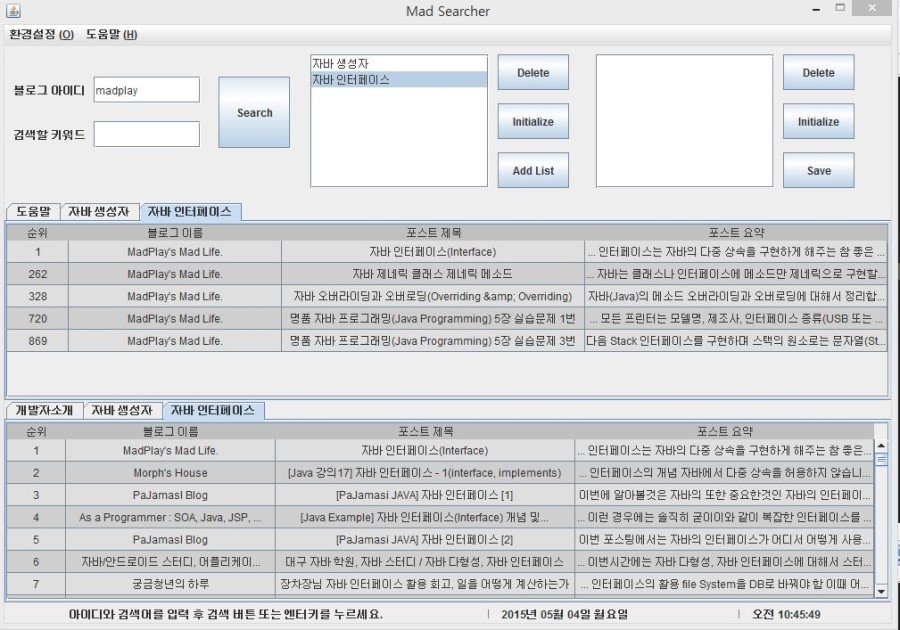
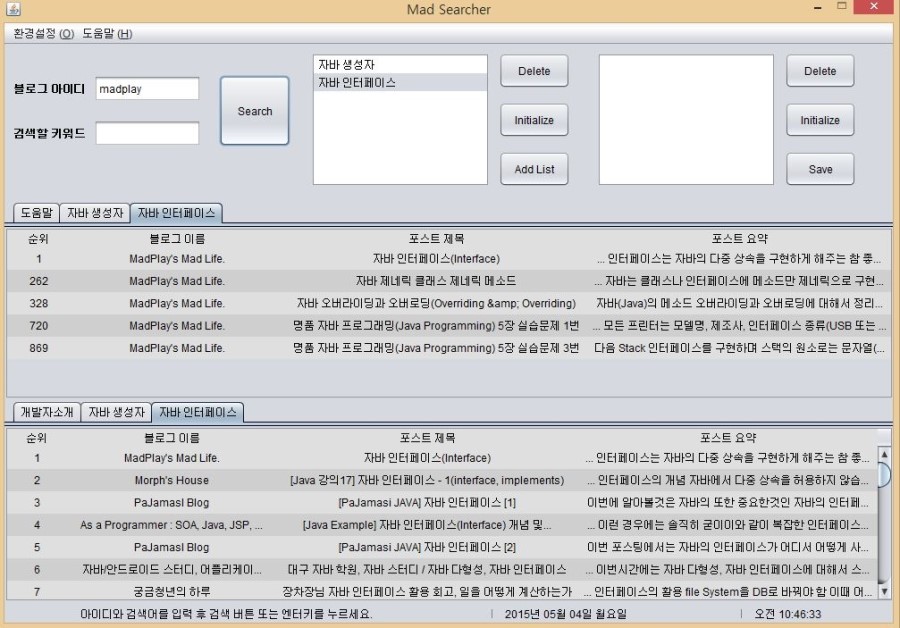
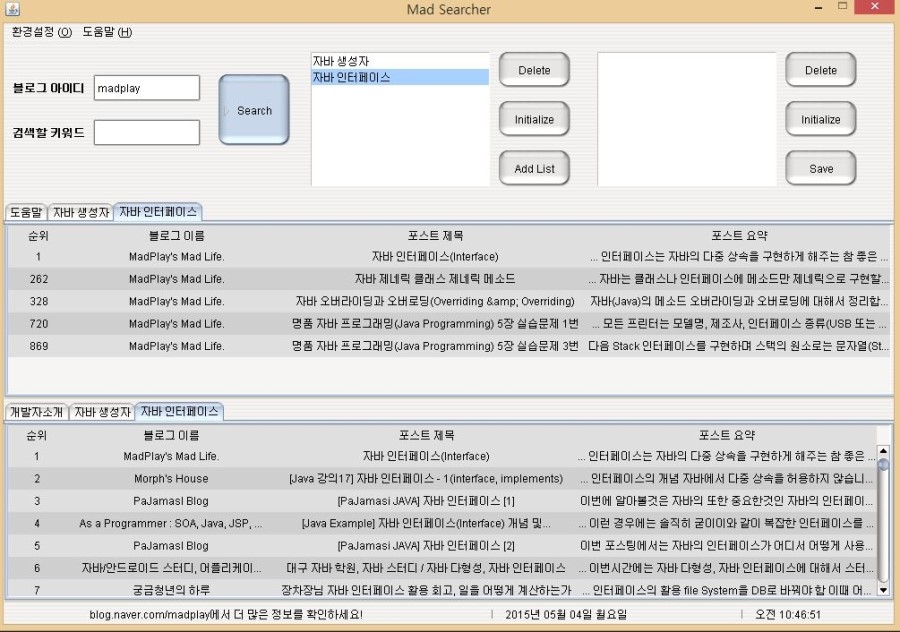
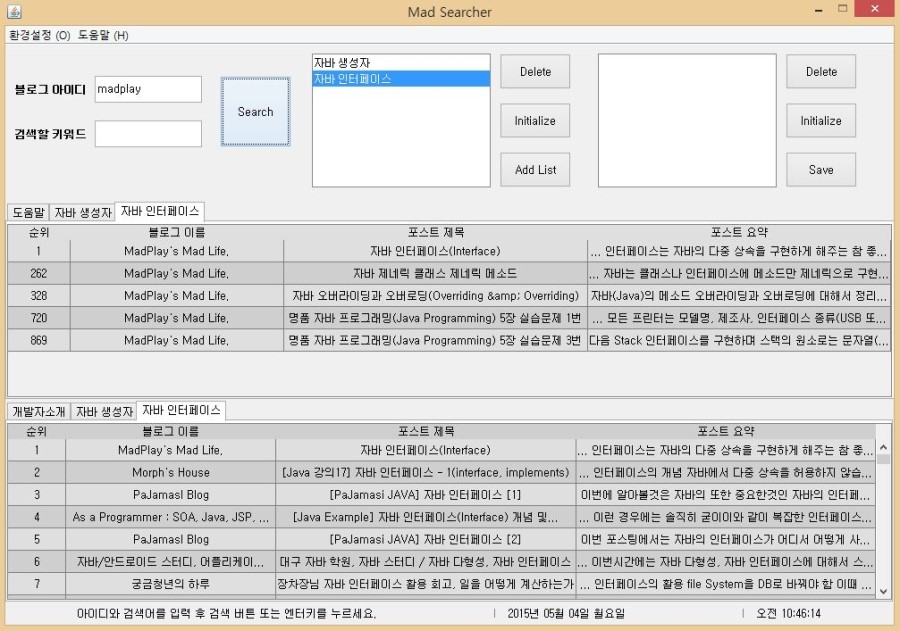
LookAndFeel changes only the UI design, but the overall feel shifts more than expected.
How to Use LookAndFeel
Usage is straightforward: UIManager.setLookAndFeel("class name or path").
Exception handling is required because ClassNotFoundException can occur if the path is invalid.
try {
    UIManager.setLookAndFeel("com.sun.java.swing.plaf.windows.WindowsLookAndFeel");
} catch (Exception e) {
    /*
        ClassNotFoundException
        InstantiationException
        IllegalAccessException
        UnsupportedLookAndFeelException
     */
}
In the past, portal searches listed many LookAndFeel themes, but most links have disappeared. The official Java guide still lists several themes.