GitHub Profile?
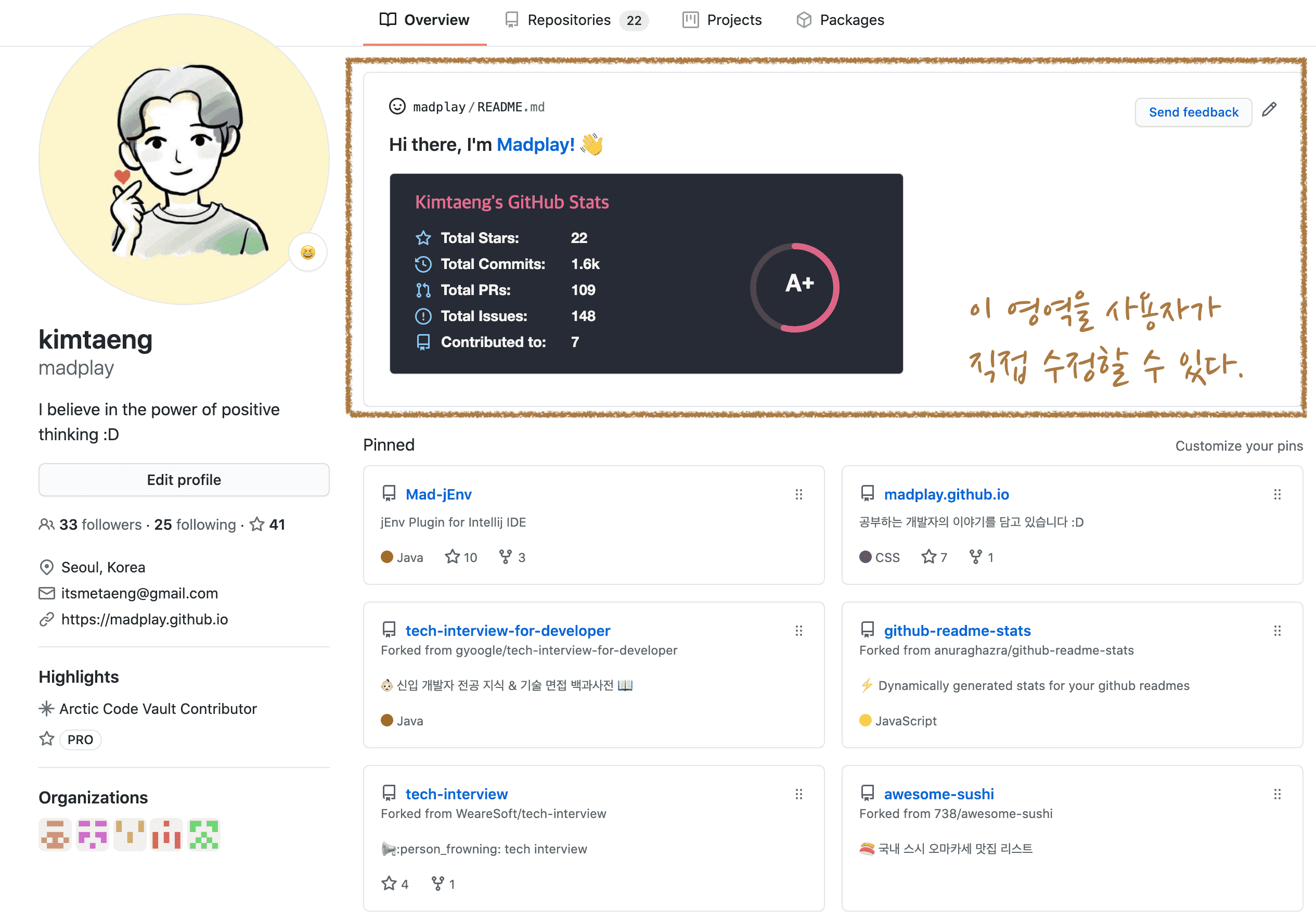
GitHub recently added a feature that lets users design their profile in a more customized way. You can make your profile look much better with minimal setup. It looks like the following. Previously, only repositories were visible. Now you can add a greeting and open-source widgets based on your preference.
Create a Profile Repository
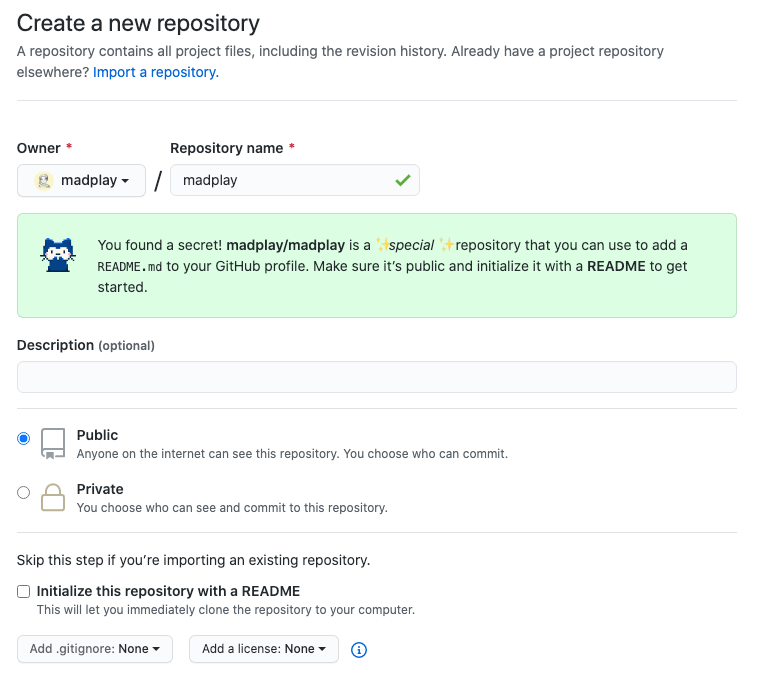
The first step is simple: create a repository with the same name as your GitHub account. When the repository name matches your account, GitHub shows a guidance message. The important point is to set the repository to public.
You can create README.md later, but you need it anyway,
so create it during repository setup.
Click Initialize this repository with a README.
Design the Profile
Move to the profile repository you created above. If you enabled README creation during repository setup, it should look like this.
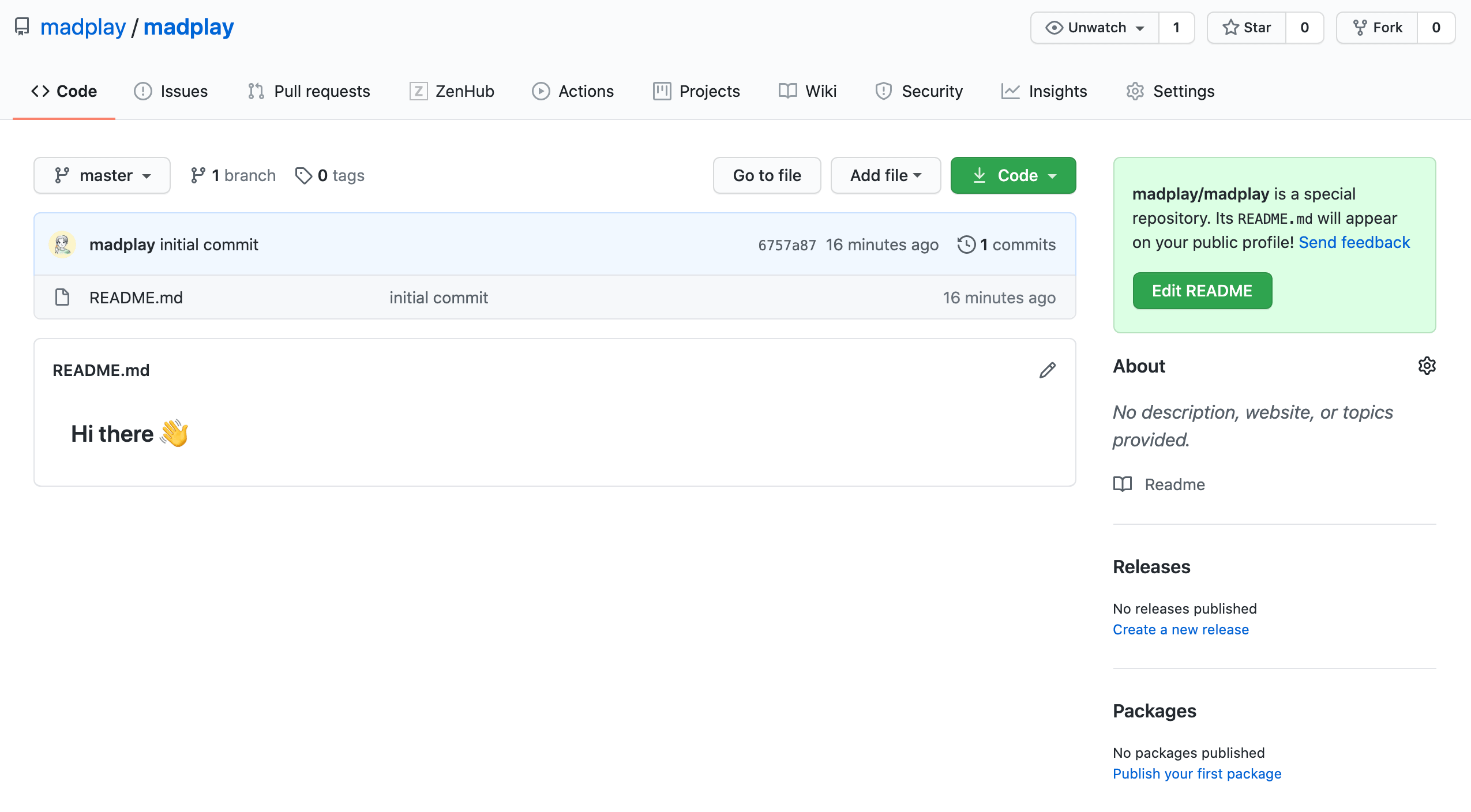
Now update README.md to customize your profile.
The question is how to design it effectively.
Here are a few open-source projects that are simple to configure and useful in practice.
github-readme-stats
I saw this most often in profiles of developers I follow. It is an open-source project that adds GitHub activity statistics to your profile. As shown below, it displays values such as stars and commits.
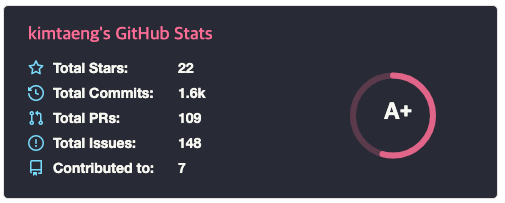
A rank is also displayed on the right. It is calculated relative to users who use github-readme-stats. So do not be discouraged by a low rank.
What stood out to me was that the project README guide is translated into many languages, not only English, but also Spanish, Japanese, and more. Those translations were contributed by users from each country.
I checked whether Korean translation was available. I could not find one at that time, so I checked out the latest guide and translated it.
Developers do need English, but seeing “Korean” listed clearly in a major open-source project still feels meaningful.
Found a translation issue? Contributions to Korean translation are welcome.
Hits
This provides a visitor count indicator.
I also want to use this on my blog.
Not essential for the blog because Google Analytics is already there.
You can generate a badge by entering a URL, as shown below.
Then add generated markdown to README.md.
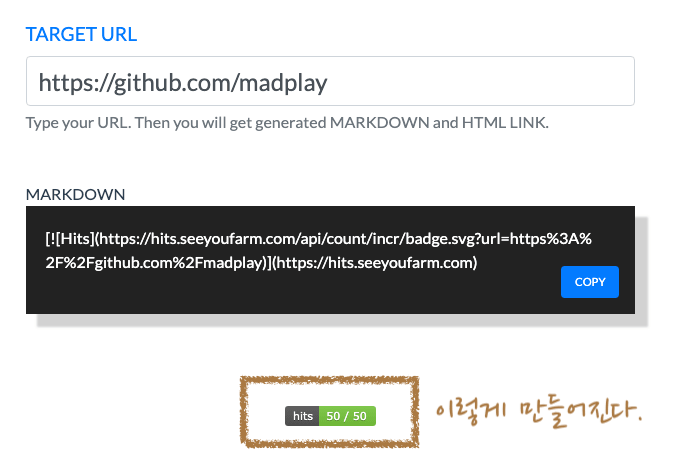
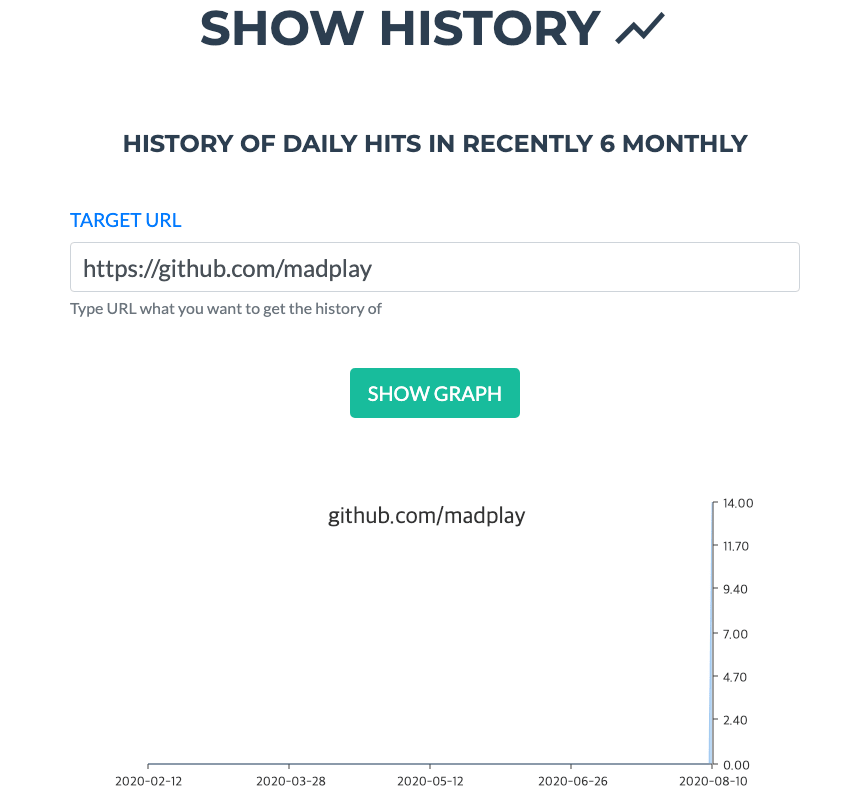
There are similar projects, but this one is relatively recent and easy to integrate. I also like that it started from a real developer pain point. It additionally provides recent history views, as shown below.
shields
This open-source project lets users create many badges,
such as license, GitHub followers, and star counts.
Below is an example badge set applied to my open-source IntelliJ plugin project, Mad-jEnv.
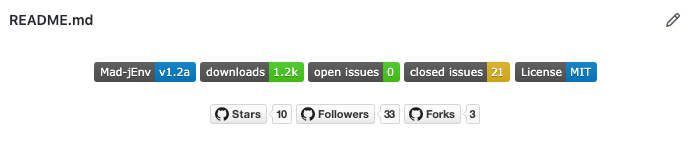
It has a wide range of customization options. It is worth trying directly.
Closing
While writing this post, I looked for more creative GitHub profiles. There were many examples that made me think, “This is possible too?” Some converted MP4 to GIF for profile sections, and some used GitHub Actions for automated deployment.
It is not mandatory, but designing a GitHub profile that introduces yourself is worth trying.
If you use good GitHub profile open-source tools, feel free to share.