Install Node.js
To use Node.js, you need to install it first.
On macOS, the simplest path is the official download page:
Node.js official download page.
In practice, testing multiple versions is easier with Node Version Manager (nvm).
Install nvm like this:
$ curl -o- https://raw.githubusercontent.com/creationix/nvm/v0.34.0/install.sh | bash
# or wget -qO- https://raw.githubusercontent.com/creationix/nvm/v0.34.0/install.sh | bash
After installation, restart your shell or run source:
# restart terminal or run this command
$ source ~/.bash_profile
Check the installation with nvm --version:
# print nvm version
$ nvm --version
0.34.0
If you see nvm: command not found, open ~/.bash_profile and confirm these lines:
$ sudo vi ~/.bash_profile

# ... omitted
export NVM_DIR="${XDG_CONFIG_HOME/:-$HOME/.}nvm"
[ -s "$NVM_DIR/nvm.sh" ] && \. "$NVM_DIR/nvm.sh" # This loads nvm
If they are missing, add them. On macOS mojave, I observed the environment variables applied in .bashrc instead.
A quick note: .bashrc loads when a new terminal opens in an existing login session,
while .bash_profile loads on login. User-specific configuration usually lives there.
I moved the environment variables to bash_profile to keep them with other Java and Python settings.
Now install Node.js with nvm.
The official site lists LTS (Long Term Supported) and Stable (or Current) releases.
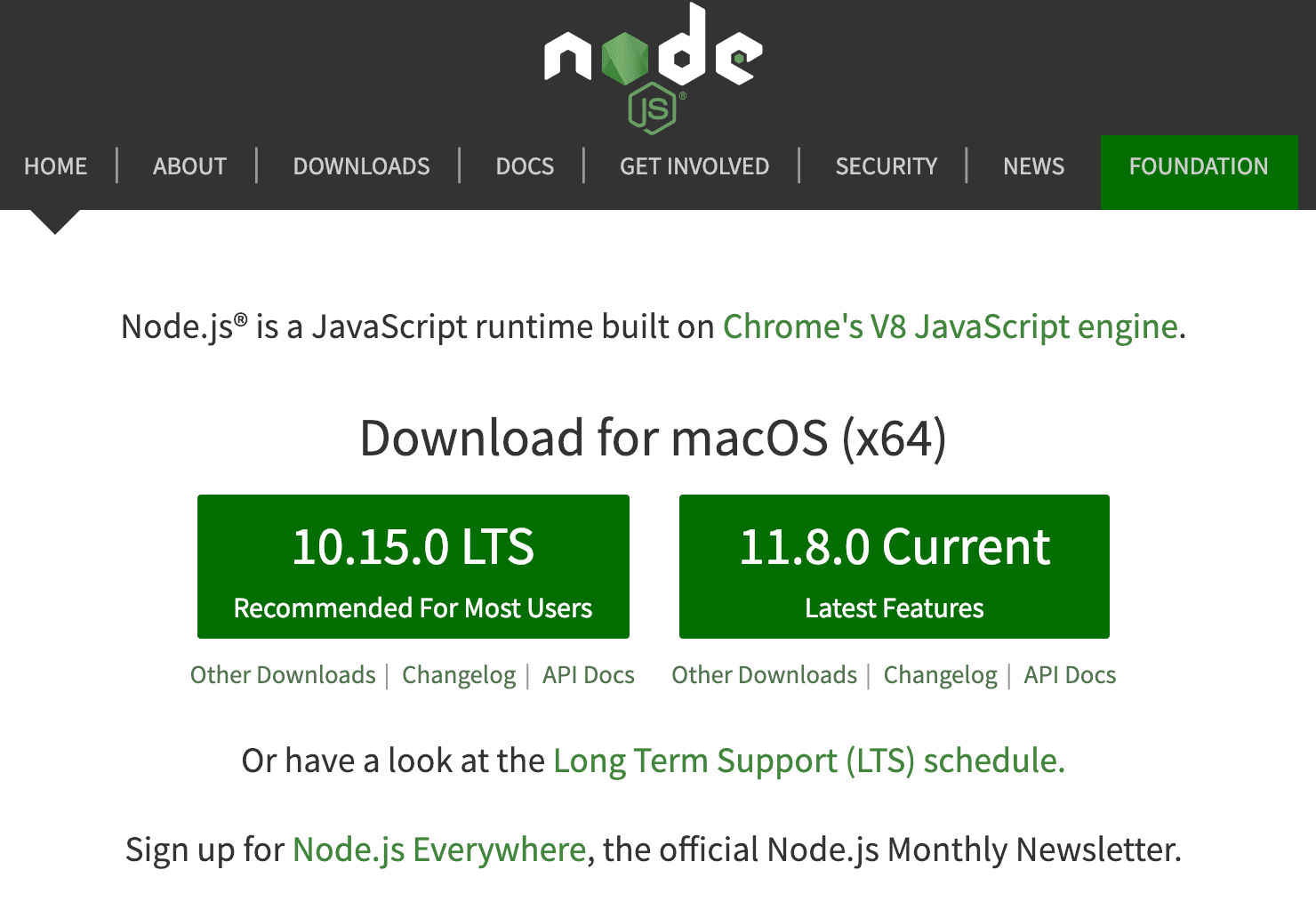
LTS versions use even numbers and provide long-term stability and support. Stable (or Current) versions use odd numbers and focus on newer features, which can mean more frequent changes. For production servers, LTS is typically the right choice. For local testing, Stable is fine.
# list available versions
$ nvm ls-remote

# install a specific version
nvm install v10.15.0
Build a Node.js Example
After installation, write a simple example. If multiple versions are installed, select one like this:
# nvm use version
$ nvm use v11.8.0

# check Node.js version
$ node -v
v11.8.0
Print Hello World using a simple web server.
Create helloworld.js and add the following:
var http = require('http');

http.createServer(function (request, response) {
    response.writeHead(200, {'Content-Type': 'text/plain'});
    response.end('Hello World\n');
}).listen(8000);

console.log('Server running at http://localhost:8000/');
Run it with node helloworld.js:
$ node helloworld.js
Server running at http://localhost:8000/
Open http://localhost:8000 in a browser and confirm “Hello World”.
Stop the server with Ctrl + C.
A quick walkthrough:
require() loads modules in Node.js. The first line loads http.
createServer creates a server instance.
listen starts the server and waits for requests on port 8000.
When a request arrives, the server responds via the response object.
A deeper explanation follows in the next post.